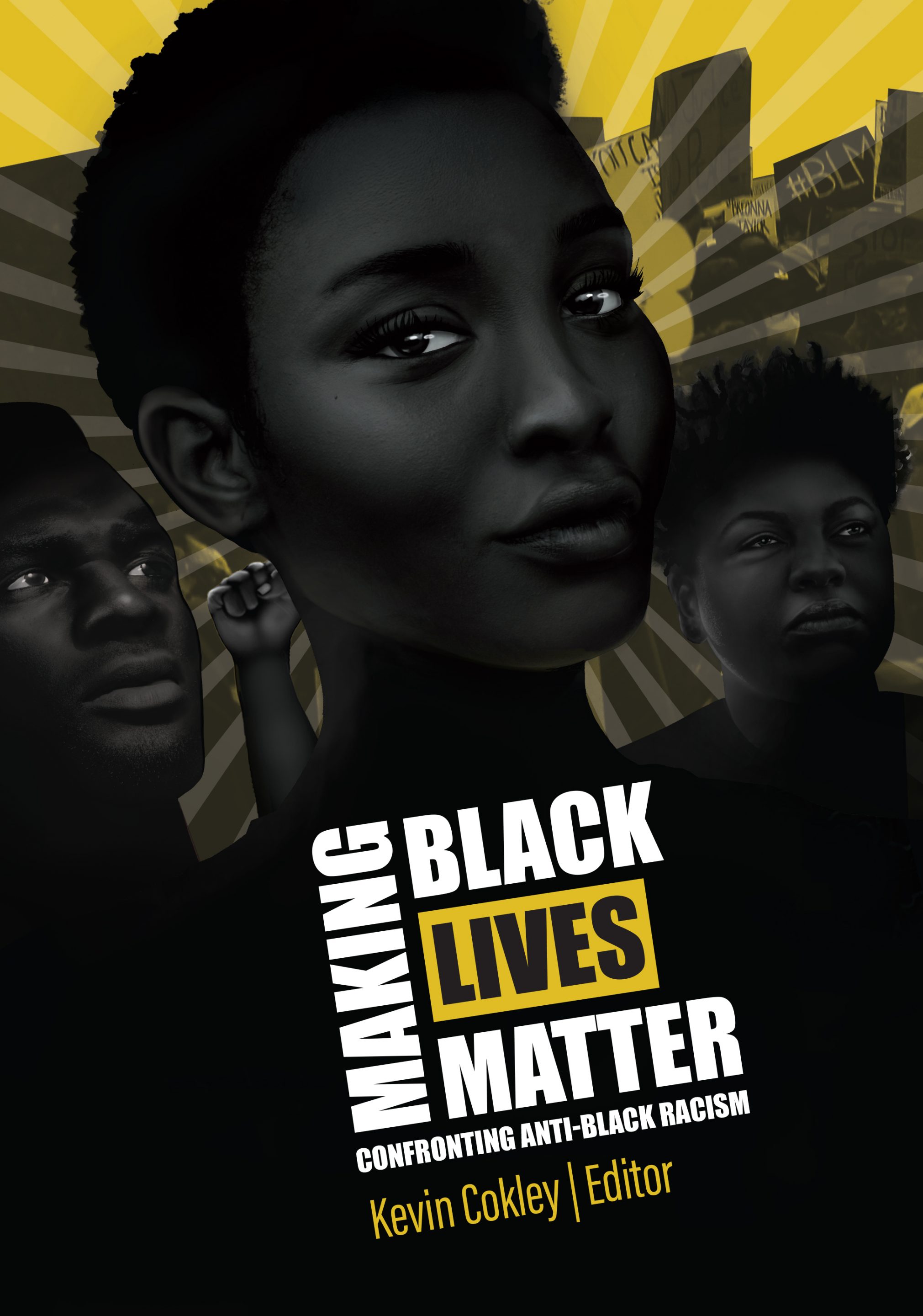
Cognella is proud to announce the publication of Making Black Lives Matter: Confronting Anti-Black Racism edited by renowned scholar and psychologist Kevin Cokley, Ph.D. Featuring contributed chapters from Black scholars, practitioners, activists, and students, the book explores the history and contemporary circumstances of anti-Black racism, offers powerful personal anecdotes, and provides recommendations and solutions to challenge anti-Black racism in its various manifestations.
A digital copy of the book is now available to download, share, and read for free through Cognella. Instructors at all levels are encouraged to use any and all of the digital material within their courses for free. For more details, refer to our copyright policy for the book.
Visit cognella.com/making-black-lives-matter to learn more about the book and download your free digital copy.
If you post about the book on social media, please use the hashtags #MakingBlackLivesMatter and #Cognella to join in on conversation!